
How to connect to the Wattbike Hub AppUpdated 9 months ago
The Wattbike Hub is a training and analysis platform made up of a mobile/ tablet app (available on Android and iOS), cloud storage and web app.
How to connect to the Wattbike Hub
Download the Wattbike Hub from your app store, see links below:
Connect the Wattbike Hub to your Wattbike:
- Turn on the device (iPhone, iPad, Galaxy Tab, etc.), and make sure your Wattbike is turned on.
- Ensure Bluetooth is enabled on your device, and that all apps running Bluetooth are currently not running.
- Open the Wattbike Hub app and select a workout, test, or Quick Ride.
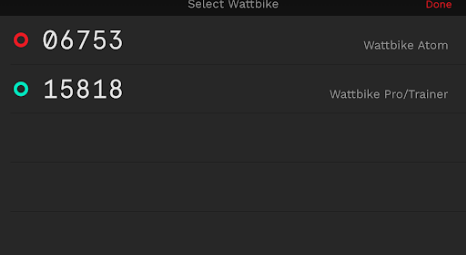
- On the top right-hand corner of the screen please select the bike ID from the list of known Wattbikes.
- Select your Wattbike and the symbol will turn green.
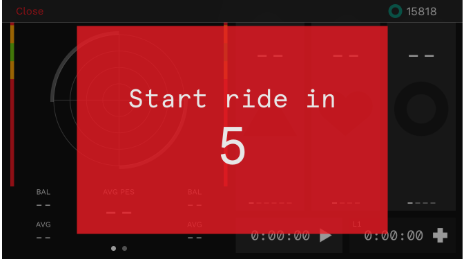
- Press the play icon (red triangle) on the workout, and the workout will give you a 5-second count down before the session starts.
For further instructions on how to use the Wattbike Hub, read our related articles: