
How do I display my data on a TV using an Android device?Updated 8 months ago
To connect your Android device to your TV there are two options.
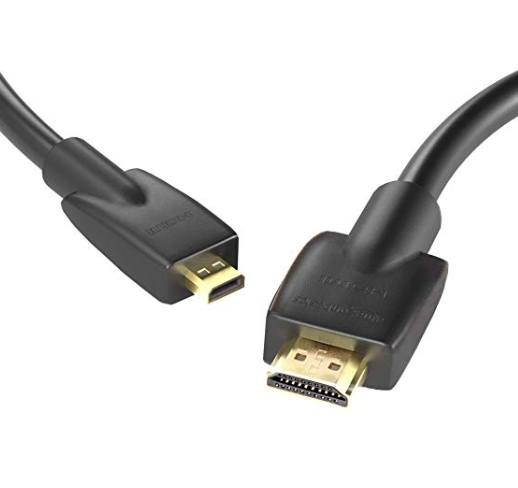
You can do this using an adapter from your devices charging socket to HDMI or alternatively you could use a specific Micro USB-HDMI cable (In most instances this will be a micro USB socket, however, please check as this varies depending manufacturer and model of your device).
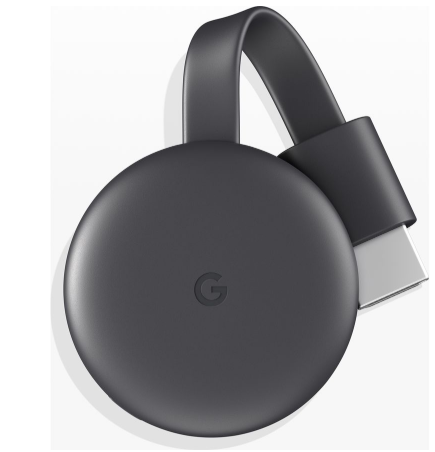
If you wish to stream your Wattbike Hub App or TrainerRoad to your TV wirelessly then you can use Googles Chromecast.
If you have an iOS device please click here for instructions on how to connect to your TV.