
How to delete a session from your Hub accountUpdated 9 months ago
If you wish to delete a session from your Hub account this can only be completed via the Wattbike Hub App on your device.
You will need to open the Wattbike Hub app on your phone/tablet and navigate to the 'History' section. Select the session you wish to delete and scroll to the bottom of the screen.
Select the small 'bin' icon and you will be prompted with the following notification:
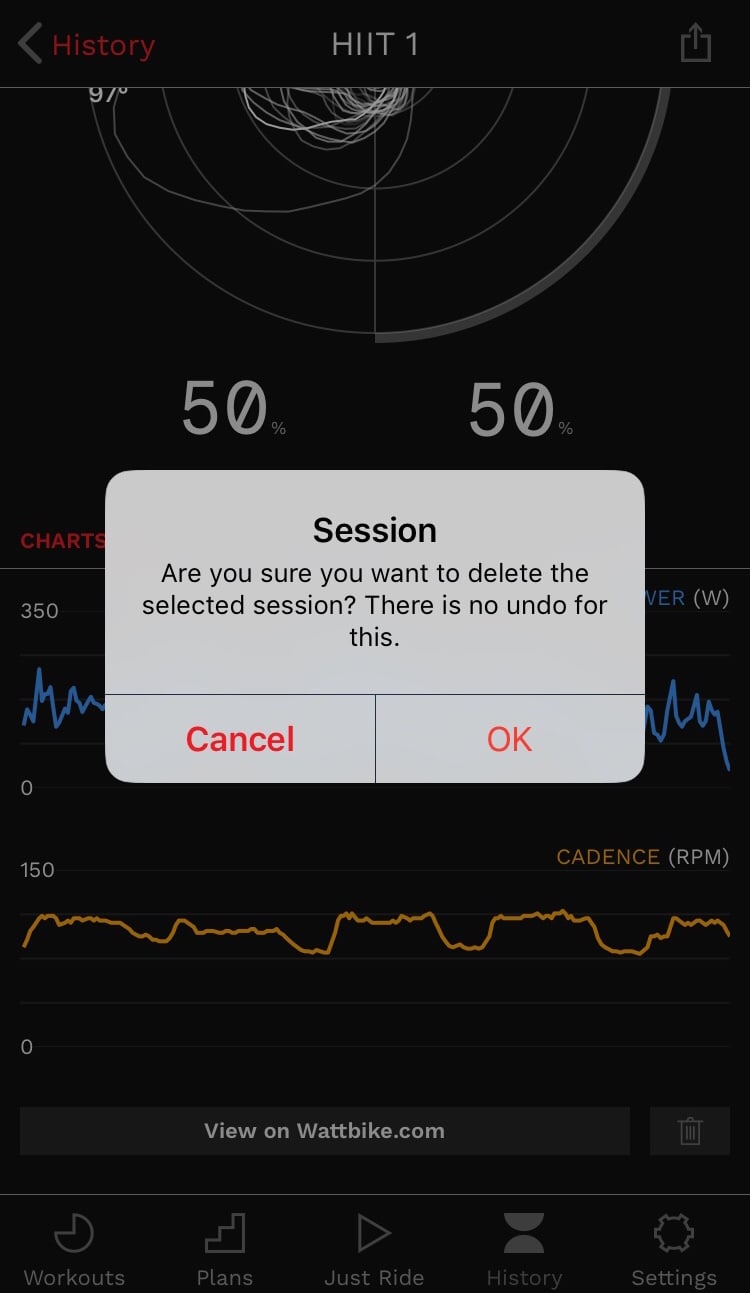
Select 'OK' and this will delete your session.