
Not turning on - Wattbike logo flickeringUpdated 8 months ago
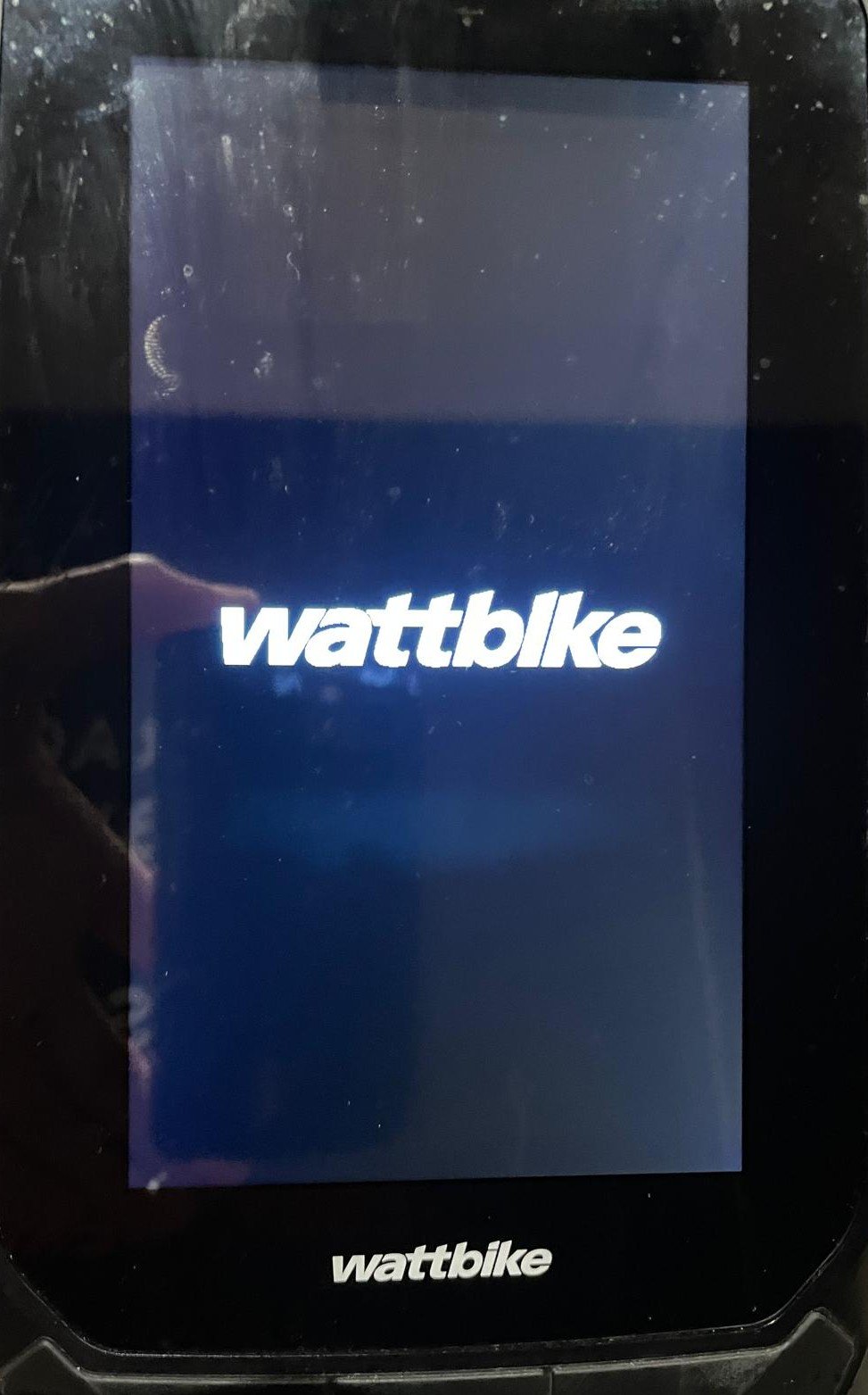 If your AirPro touchscreen is stuck on this screen when you are pedalling the bike, this means the battery in the screen is too low to turn it on via the bike's internal generator and will need charging externally.
This can be done via the USB C port at the bottom of the screen below the centre button
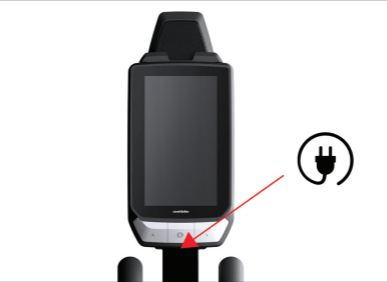
Instructions for doing this can be found here